Imagine a research assistant that doesn’t just search the web but synthesizes YouTube videos, PDFs, and your own personal notes into high-level deliverables in seconds. By bridging the gap between terminal-based AI agents and specialized research tools, you can transform your workflow into what experts are calling ‘God Mode’ for productivity.
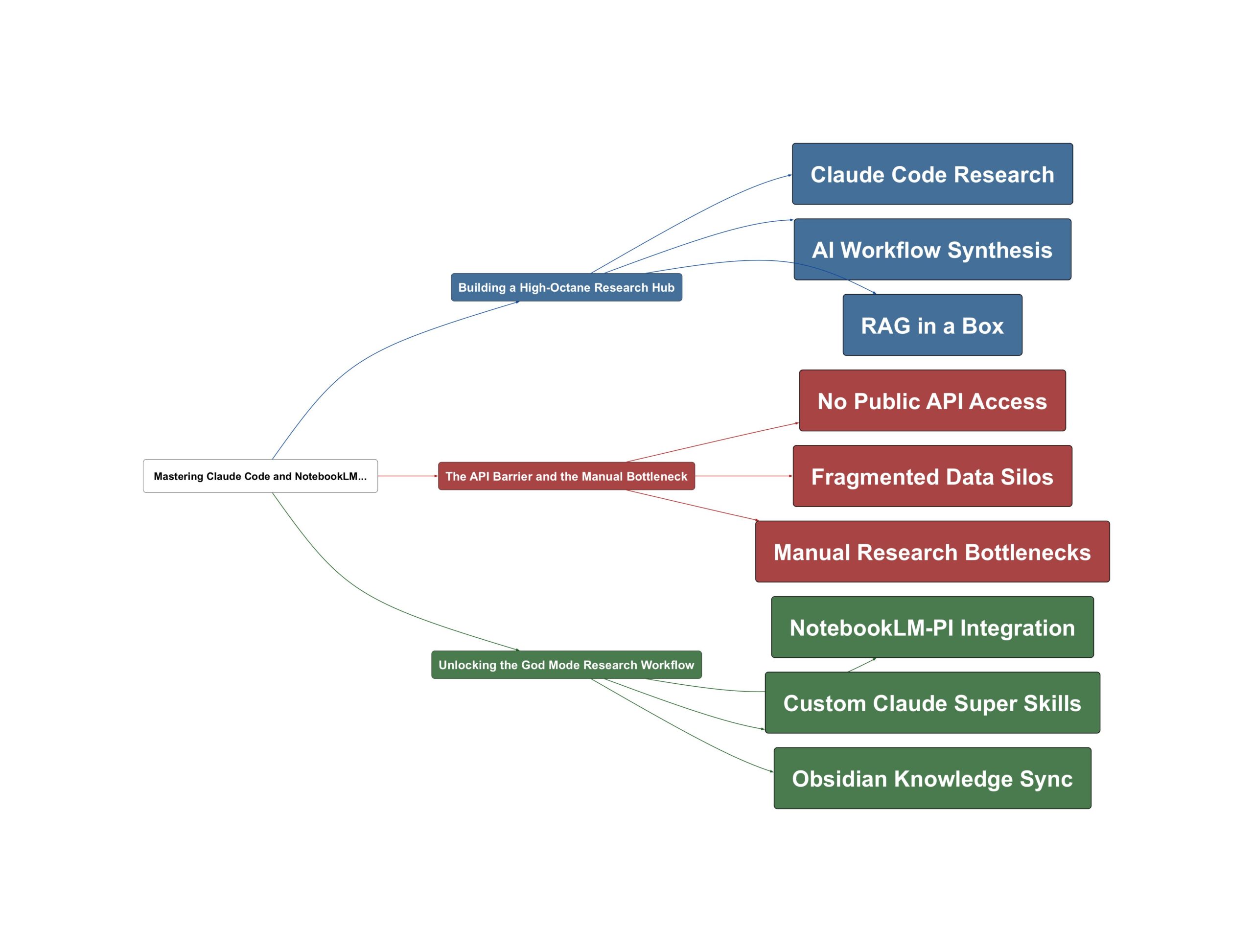
Building a High-Octane Research Hub
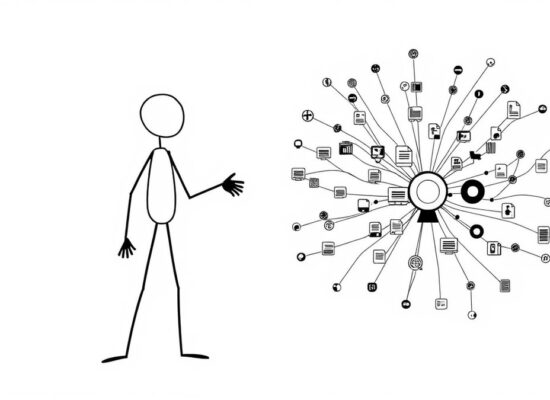
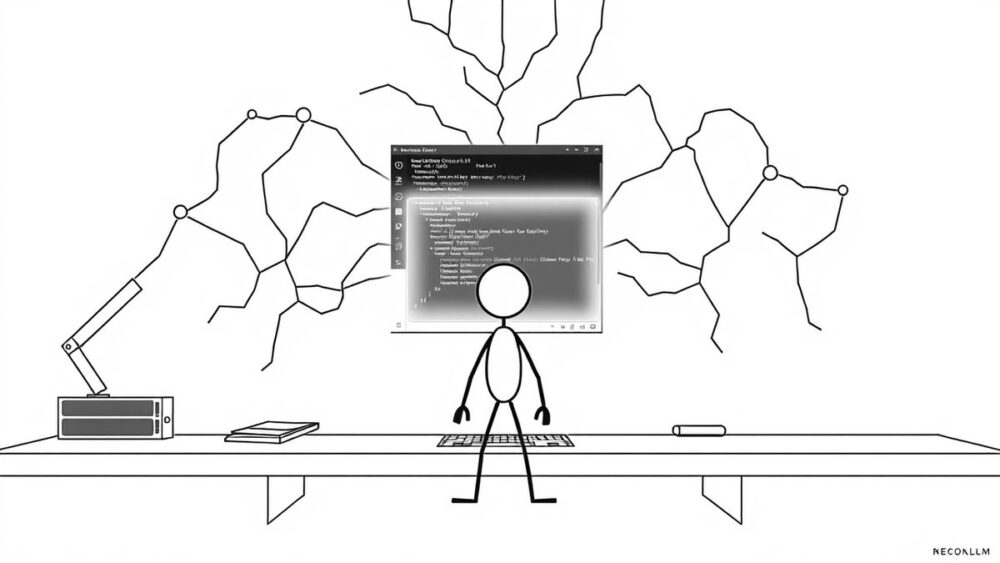
The current landscape of AI tools offers incredible individual power, but the real magic happens when you treat Claude Code as a central nervous system for your data. Instead of using it as a simple coding assistant, you can turn it into a research powerhouse that pulls information from diverse sources like YouTube transcripts and text files. As Chase AI explains, this is about creating a flexible template that adapts to your specific needs, whether you are a content creator or a professional managing dense documentation.
- Claude Code acts as the execution terminal for complex tasks.
- NotebookLM serves as a ‘RAG in a box’ for deep analysis.
- Obsidian provides the long-term storage for your thinking patterns.
This workflow turns Claude Code into an absolute research monster.
— Chase AI
The goal is to move beyond simple web searches. By leveraging specific skills within the terminal, you can send data directly to analysis engines, creating a seamless loop of information gathering and insight generation. But how do we bridge these tools when they weren’t designed to talk to each other?
The API Barrier and the Manual Bottleneck
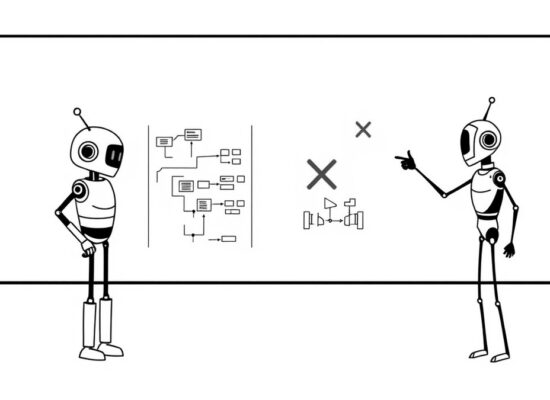
The biggest challenge facing this high-level integration is that NotebookLM, while incredibly powerful for generating slide decks and infographics, lacks a public API. This usually means researchers are stuck manually uploading files and clicking through web interfaces, which breaks the flow of a terminal-based workflow. Sound familiar? Most users assume they are limited by the official features provided by Google or Anthropic.
Notebook LM does not have a public API, but we can actually get around that.
— Chase AI
Building on this problem, the disconnect between your ‘thinking’ space in Obsidian and your ‘acting’ space in Claude Code often leads to fragmented data. Without a way to automate the interaction, you’re left with powerful tools that exist in silos, forcing you to do the heavy lifting of data transfer yourself.
Unlocking the God Mode Research Workflow
The solution lies in a clever ‘cheat code’ involving the notebooklm-pi repository. This tool uses a Playwright script to act as an unofficial API, allowing Claude Code to control NotebookLM directly from your terminal. By installing this skill, you can execute tasks like creating PowerPoints or infographics via natural language commands without ever leaving your coding environment.
Combining Claude Code with Notebook LM is actually a complete cheat code and nobody’s talking about it.
— Chase AI
To fully realize this potential, follow this action plan:
- Clone the notebooklm-pi repo to enable terminal-based interaction.
- Use the Skill Creator in Claude Code to combine YouTube scraping and NotebookLM analysis into one ‘Super Skill’.
- Sync with Obsidian to ensure all analyzed data and deliverables are stored in your personal knowledge base for future use.
The bigger picture? You are building a system that doesn’t just find information but synthesizes it into finished products. According to Chase AI, this setup turns Claude Code into an ‘absolutely cracked research agent’ with essentially zero cost on your end. Why settle for basic searches when you can automate the entire pipeline from discovery to delivery?
💡 Key Takeaway: Automate NotebookLM via Claude Code using unofficial APIs to create a seamless research powerhouse.
Video Sources
- Claude Code + NotebookLM + Obsidian = GOD MODE
- The Claude Code Connection Nobody is Talking About
- 10x Claude Code's Research Skills
- Why Is Nobody Talking About This Claude Code Combo?