Is macOS Tahoe the new Vista? A growing chorus of developers and power users are reporting that Apple’s latest OS prioritizes lickable visuals over basic functionality, turning simple tasks like window resizing into a frustrating game of hide-and-seek.
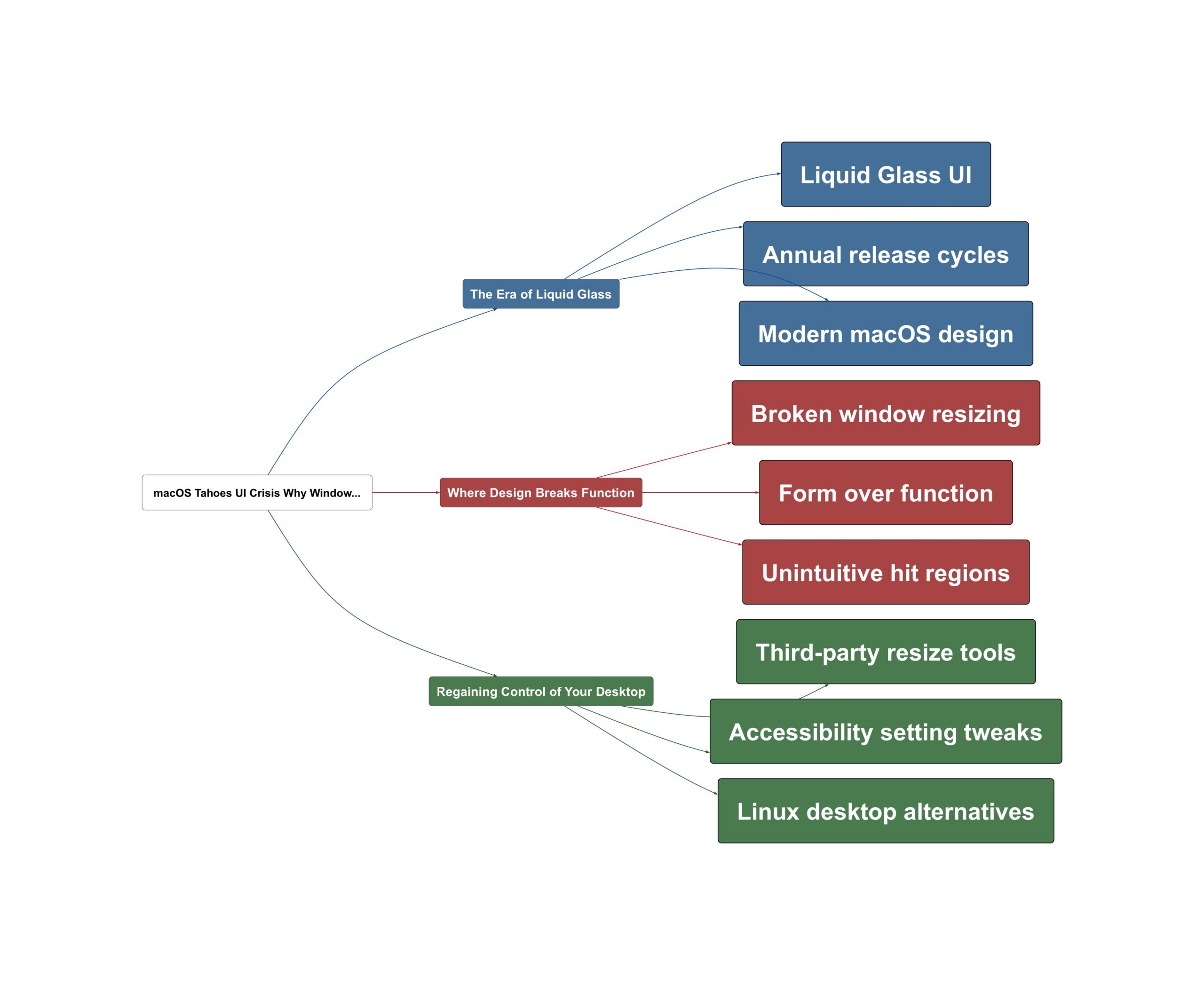
The Era of Liquid Glass
The current state of macOS is defined by a rapid shift toward high-gloss aesthetics and increasingly aggressive release cycles. While the visual appeal is undeniable, the underlying stability and usability seem to be taking a backseat to marketing-friendly updates.
- The introduction of Liquid Glass brings a stunning, transparent look that prioritizes the wow effect.
- Apple’s commitment to one-year release cycles has led to a perceived decline in software quality.
- A shift from high-density interfaces to mobile-inspired, constrained scrolling windows.
I noticed Apple’s software quality decline the moment they committed to 1-year release cycles. Because an x.0 release inevitably has issues, it offers less than a year of stability before things get broken again.
Where Design Breaks Function
The most vocal complaints from the community center on the breakdown of 35-year-old UI paradigms. Users are finding that the basic act of grabbing a window corner to resize it has become a non-intuitive chore due to invisible hitboxes and rounded corner logic.
- Resizing hit regions are often located outside the actual window frame, mirroring frustrating Windows 11 behaviors.
- Rounded corners are criticized as symbolic of a dumbing-down of precise desktop tools.
- The App Launcher redesign has increased interaction costs for power users.
What really astonishes me is that nobody seems to have anticipated how users would try to resize windows, and did not reshape the corner drag area.
Several users on Hacker News pointed out that the current reign of visual artists as dictators has led to a sacrifice of reason, where designers break features that have worked reliably for decades.
Regaining Control of Your Desktop
While the native experience may feel like a regression, the developer community has surfaced several ways to bypass Tahoe’s UI limitations. From third-party utilities to cross-platform alternatives, there are proven ways to restore productivity.
- Using tools like easy-move-resize to allow window manipulation from anywhere inside the frame using modifier keys.
- Adjusting accessibility settings to reduce transparency and background effects that interfere with readability.
- Exploring Linux desktops like GNOME or KDE as viable alternatives for those tired of the walled garden’s quirks.
The old linux/X11 method of meta+dragging to move or resize windows from anywhere in the window is so obviously superior… they both should have implemented this 30 years ago.
As one commenter noted, the path forward may require a Jobs-ian correction to bring the focus back to how software actually feels in use, rather than just how it looks in a keynote.