Ever felt like your AI assistant has the memory of a goldfish? You spend hours setting context for a complex project, only to feel like you are starting from scratch the moment a new session begins. It is a common frustration for power users, but what if you could give your AI a permanent, structured brain without spending a dime? By pairing the raw power of Claude Code with the organizational elegance of Obsidian, you can create a persistent memory system that actually works.
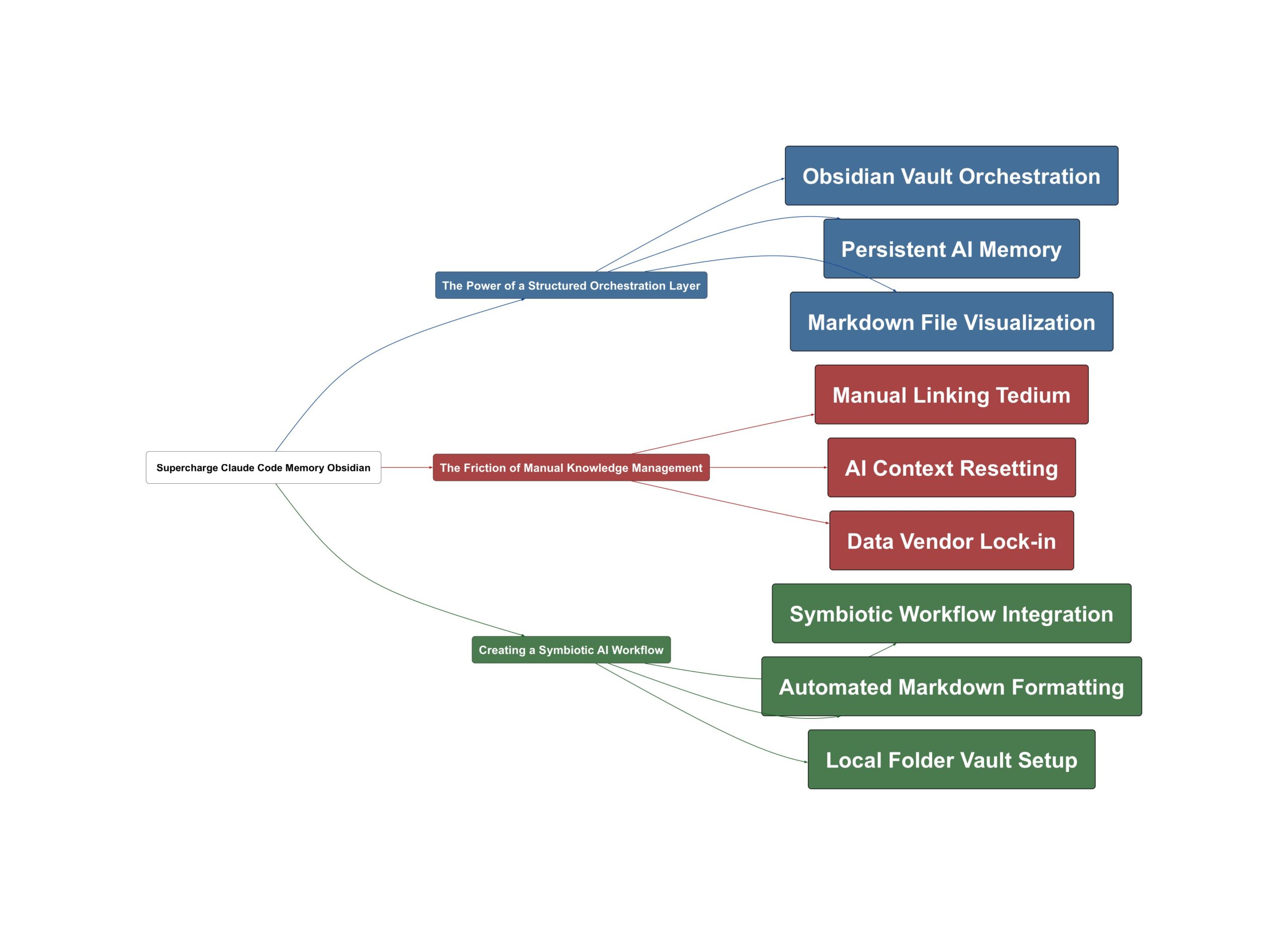
The Power of a Structured Orchestration Layer
At its core, the solution involves using Obsidian as a dedicated orchestration layer for your AI workflows. Obsidian is a free, lightweight tool that manages markdown files within a specific folder known as a vault. Unlike platforms like Notion, there is no vendor lock-in here; you own your data entirely. As Chase AI explains,
Obsidian is an orchestration layer, an organization layer on top of your markdown files in a specific folder known as a vault.
— Chase AI
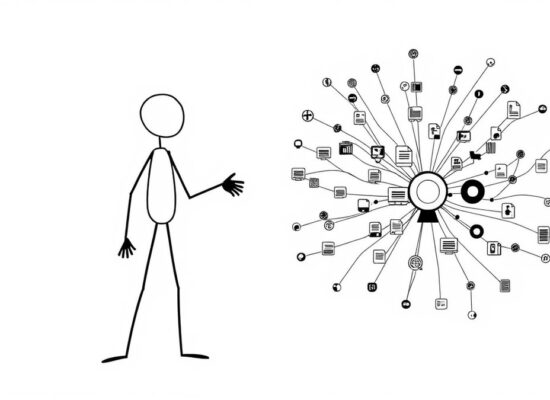
This setup allows you to visualize how different notes, projects, and ideas relate to one another through interactive visual graphs.
The beauty of this system lies in its transparency. Because Obsidian runs on local text files, it provides greater insight into your data. When you run your AI tools within this environment, you are not just shouting into a void; you are building a library of knowledge that remains accessible and searchable. But why does this matter for your productivity? The bigger picture is about creating a workspace where information is not just stored, but interconnected.
The Friction of Manual Knowledge Management
If Obsidian is so powerful, why isn’t everyone using it to its full potential? The complication usually comes down to manual labor. To get the most out of a tool like Obsidian, you traditionally have to draft every markdown file yourself and manually create links between them using specific syntax. Building on this, the reality is that most of us simply don’t have the time for that level of upkeep. According to Chase AI,
I have to like make sure, hey, I do the double brackets, I find the note I want, I link it, right? Pain in the butt. You’re never going to do this in reality.
— Chase AI
This lack of structure is exactly why Claude Code often feels like it’s losing its way. Without a clear map of your project, the AI struggles to find the correct files or understand the relationship between different pieces of code and documentation. This creates a cycle where the user is frustrated by the AI’s lack of context, and the AI is limited by the disorganized data it has to work with. Sound familiar? It is the primary reason many users feel like they are constantly retreading old ground.
Creating a Symbiotic AI Workflow
The resolution to this memory gap is a simple but brilliant shift in workflow: let the AI do the heavy lifting of organization for you. By running Claude Code directly from inside your Obsidian vault folder, you initiate a symbiotic relationship. You can simply tell Claude in plain language to set up your files so they are compatible with Obsidian. One key insight from Chase AI is that
Claude Code automatically creates these text files in a format Obsidian can use, thereby supercharging your entire Obsidian experience.
— Chase AI
This workflow solves the memory problem because Obsidian’s organized structure makes it significantly easier for Claude Code to locate relevant files and link them together. As the AI organizes your notes, its own performance improves because it can navigate your project with much higher precision. Here is the key insight: you get the visual benefits of Obsidian without the manual work, and Claude gets a persistent memory system that rivals expensive enterprise tools. To get started, simply designate your project folder as an Obsidian vault and instruct Claude Code to maintain your markdown files with proper internal linking. It is a free, lightweight, and incredibly effective way to ensure your AI stays as smart as the day you started the project.
💡 Key Takeaway: Run Claude Code inside an Obsidian vault to automate project linking and fix AI memory issues.
Video Sources
- The Claude Code Memory Fix (It's Free)
- Obsidian & Claude Code are a match made in heaven
- Claude Code + Obsidian = UNSTOPPABLE